
This week, Zero shipped seven user-facing updates across chat, connectors, research, media, and automation. You can guide an active run without starting over, connect more of your business tools, use a new reasoning model, create talking-avatar videos, and trigger workflows from more GitHub events.
Steer Zero while it works
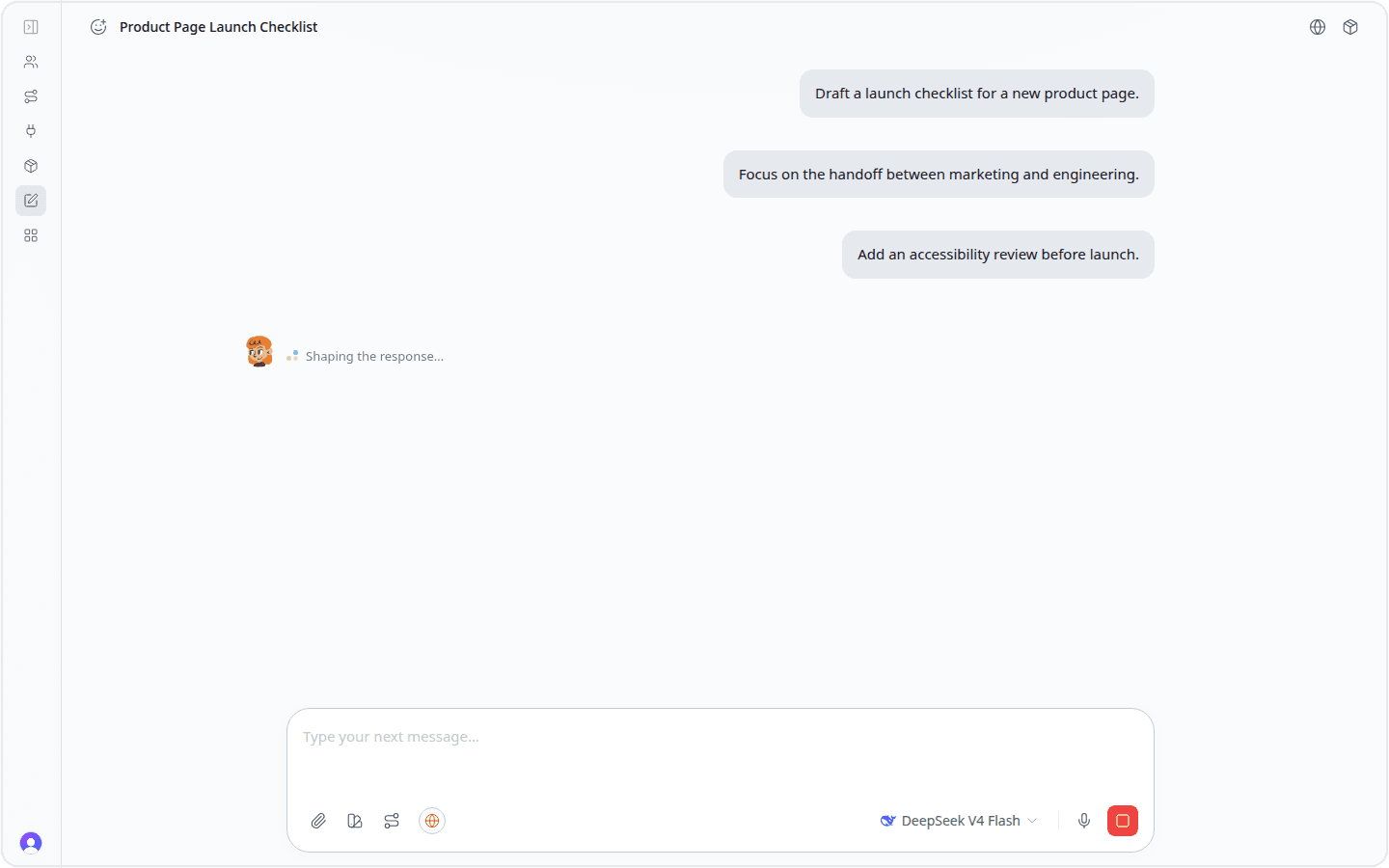
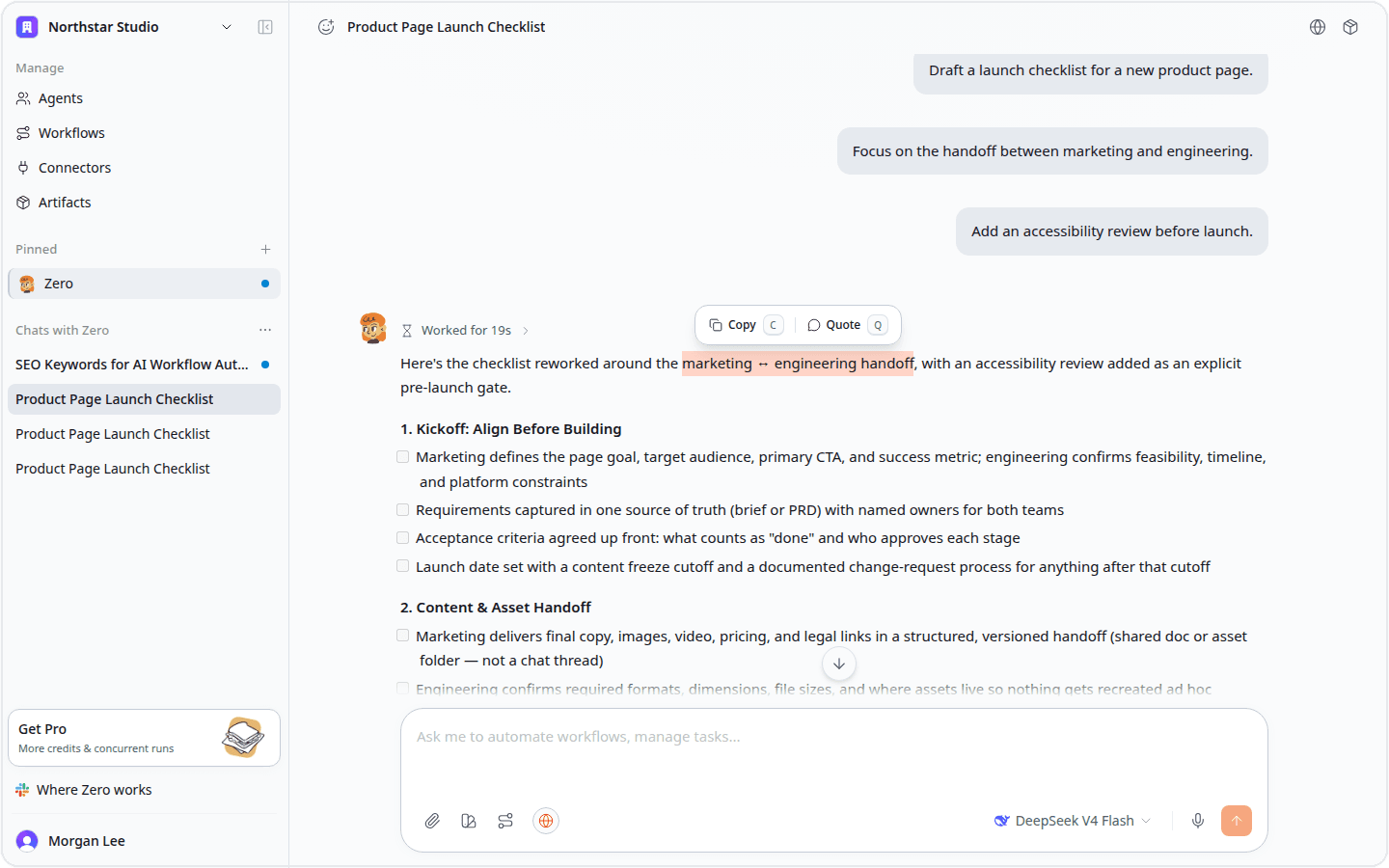
You can now send a correction or add context while Zero is still working. Zero picks up the new instruction in the active run, so you can refine direction without discarding the work already underway.
Consecutive messages stay together as one clear burst in the conversation. When you need to respond to one exact phrase, select it and choose Quote to place that text directly into your next message.
Connect QuickBooks
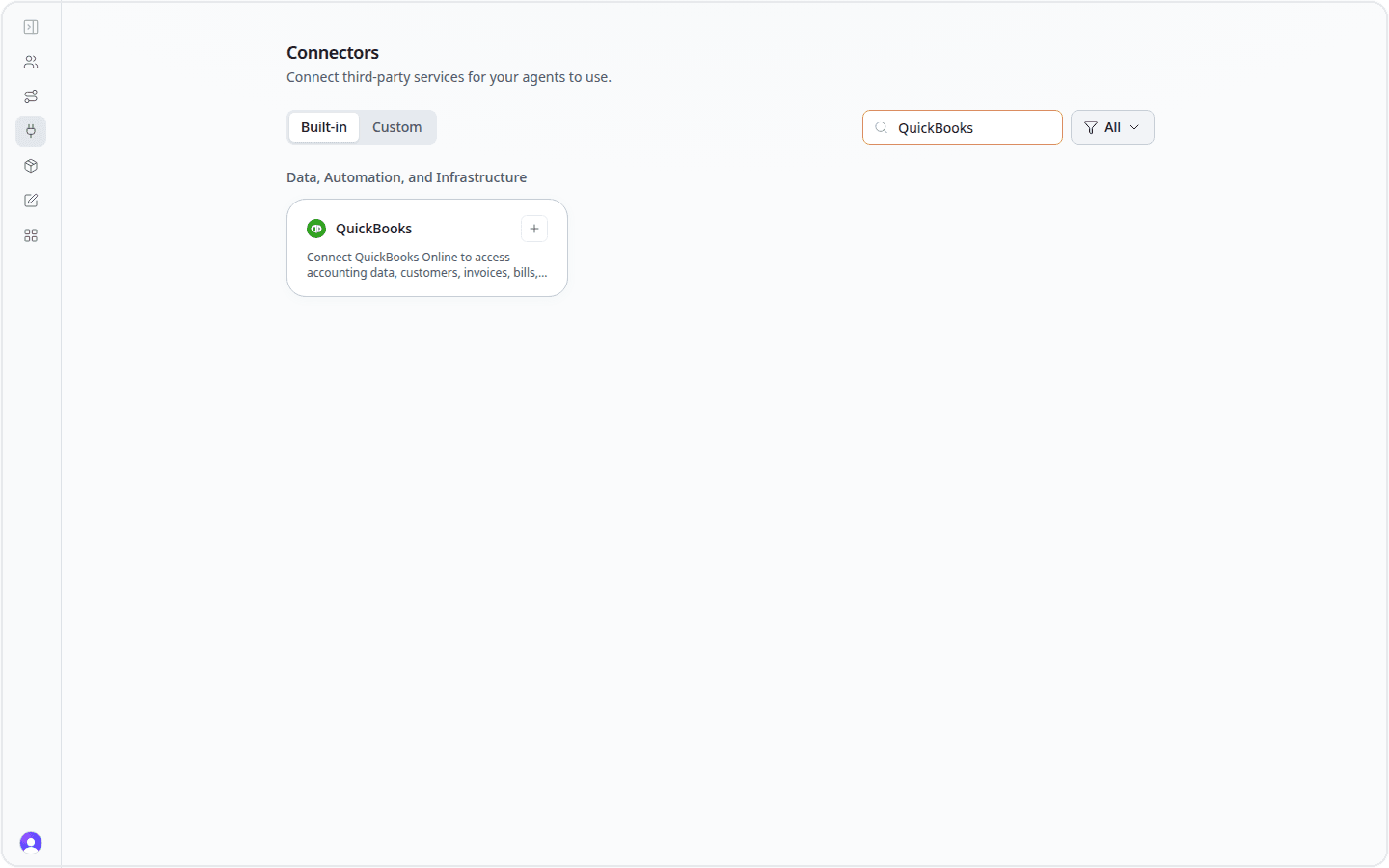
QuickBooks is now available to every workspace from the connector catalog. Connect your account so Zero can work with accounting data such as customers, invoices, bills, accounts, and reports.
This brings finance workflows into the same place as the rest of your operating work, from recurring reports to invoice and cash-flow reviews.
Work with Meta Ads and TikTok Ads
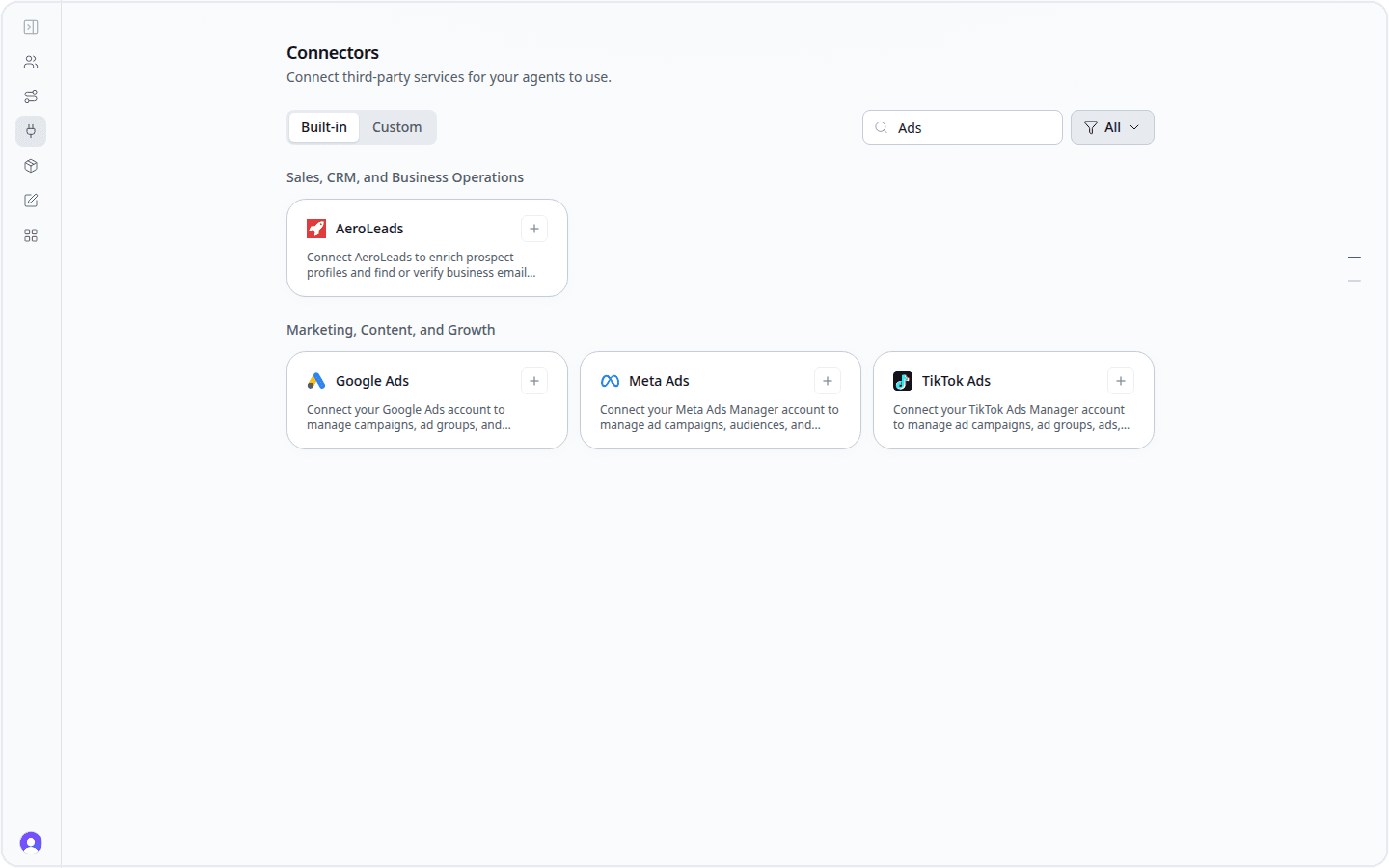
Meta Ads and TikTok Ads are now broadly available in the connector catalog. Zero can use the campaign, audience, ad group, and performance data your connected account exposes, helping you research results and prepare recurring reports alongside the rest of your marketing stack.
The catalog also expanded across marketing, data, documents, and operations, with tools such as Appcues, Benzinga, ChartMogul, PDFgen, Printify, Unbounce, UptimeRobot, and Wistia now discoverable in the product.
Research SEO with built-in data
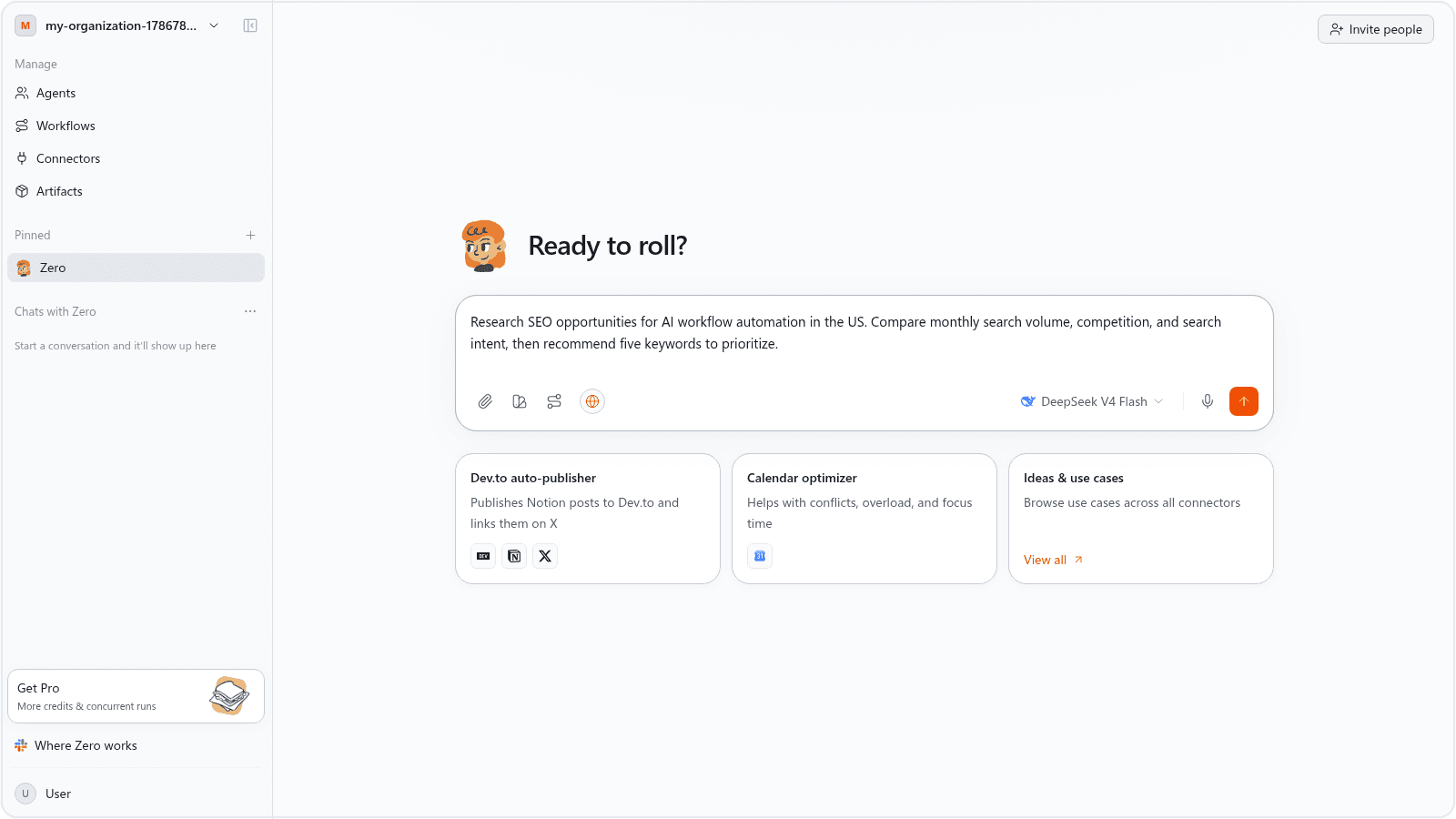
You can now ask Zero for live search results, keyword ideas, ranked keywords, and backlink summaries without setting up a separate SEO connector. Describe the topic, market, and output you need in plain language, and Zero can turn the research into a concise brief or a more detailed plan.
For example, ask Zero to find keyword opportunities for a category, compare their monthly search volume and competition, and summarize the search intent behind the strongest terms.
Add DeepSeek V4 Pro
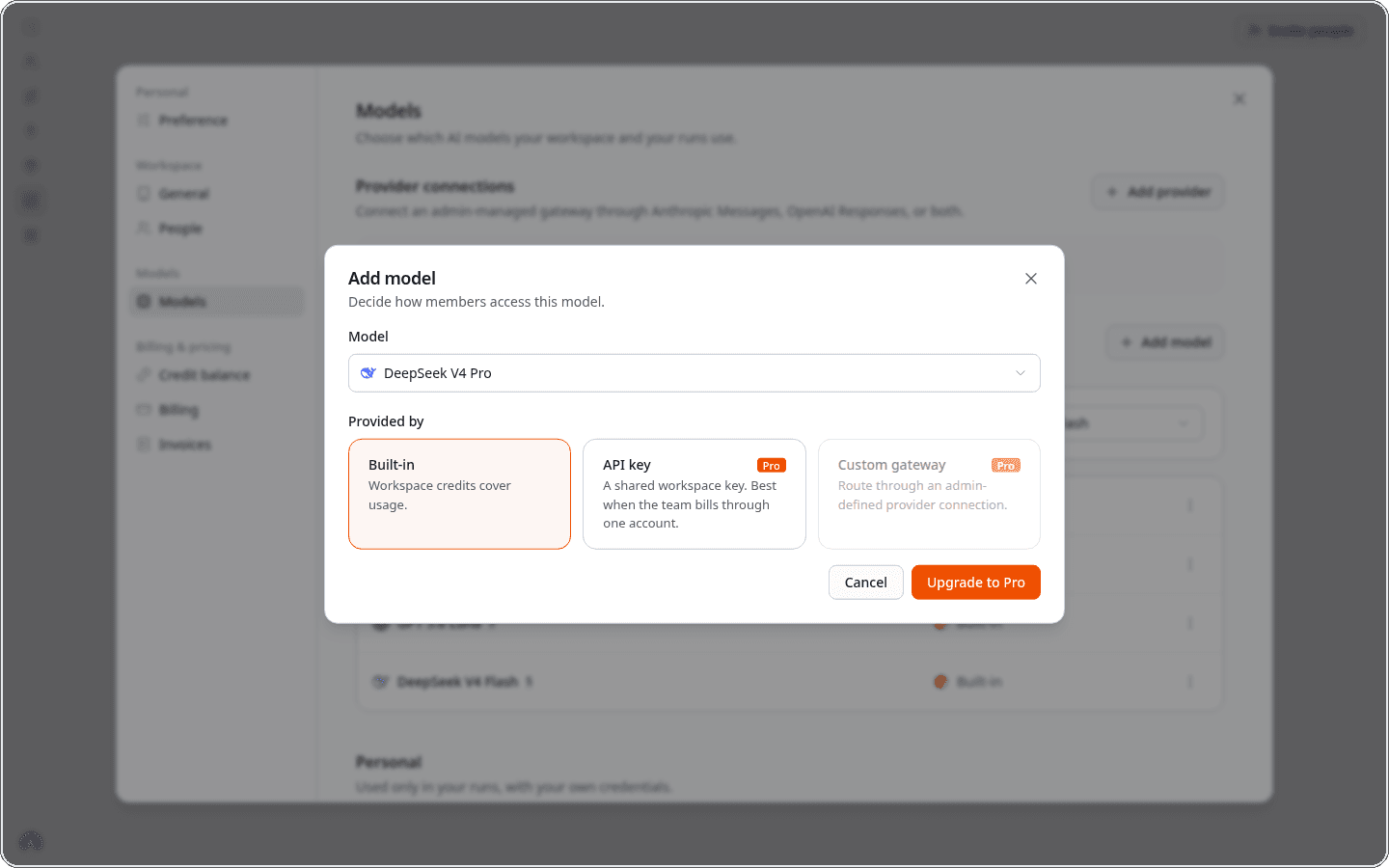
DeepSeek V4 Pro is available to Pro, Team, and Custom workspaces from Settings → Models. New Free workspaces continue to use DeepSeek V4 Flash, while grandfathered Free workspaces keep their existing model access.
Choose Built-in to use workspace credits, or connect a shared DeepSeek API key when your team prefers to manage provider billing directly.
Create talking-avatar videos
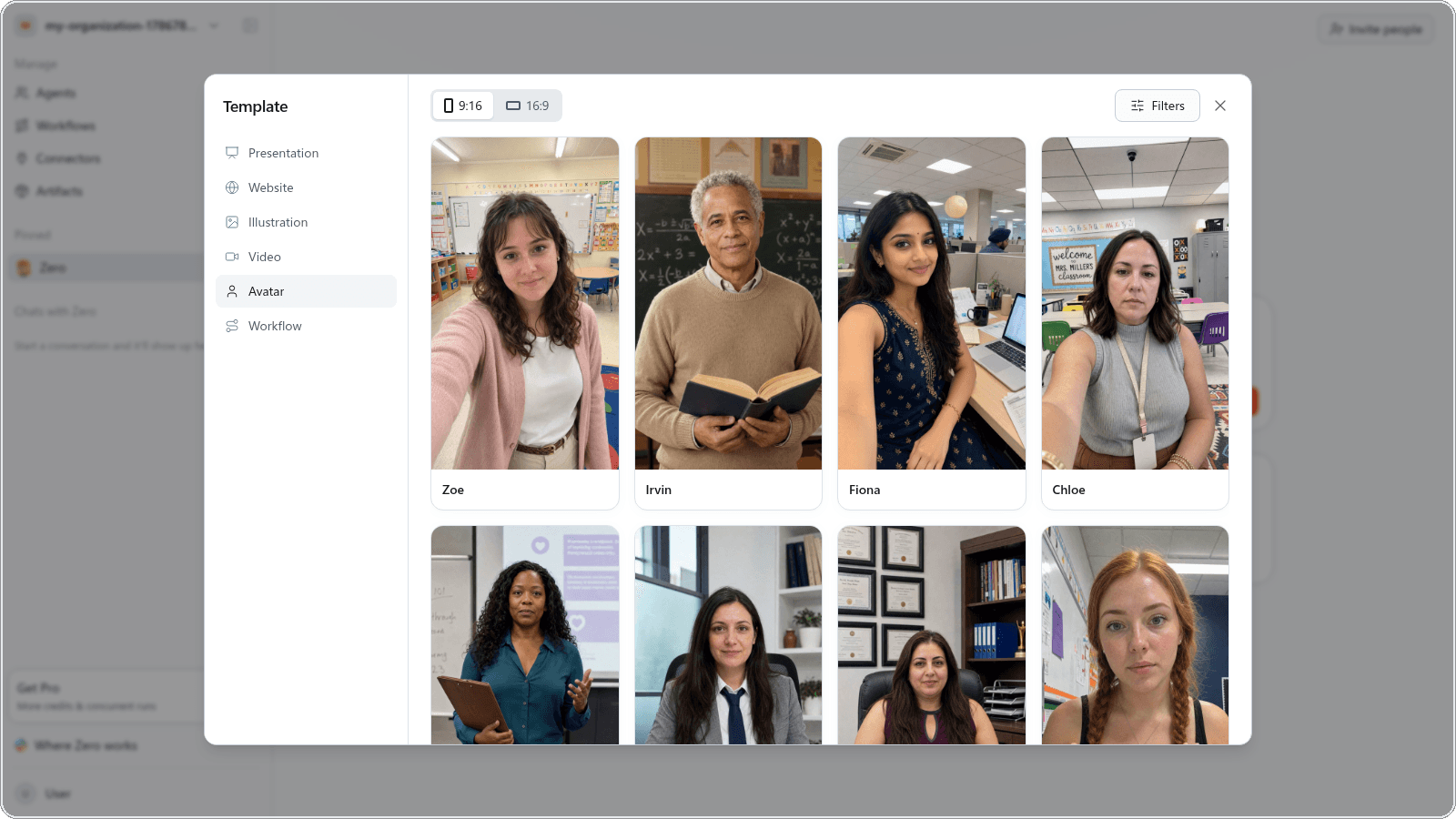
Talking-avatar video generation is now available from Zero's template picker. Open Template → Avatar to browse on-camera presenters and choose a portrait or landscape format.
After you pick an avatar, choose a voice and give Zero the script you want delivered on camera.
Trigger workflows from more GitHub events
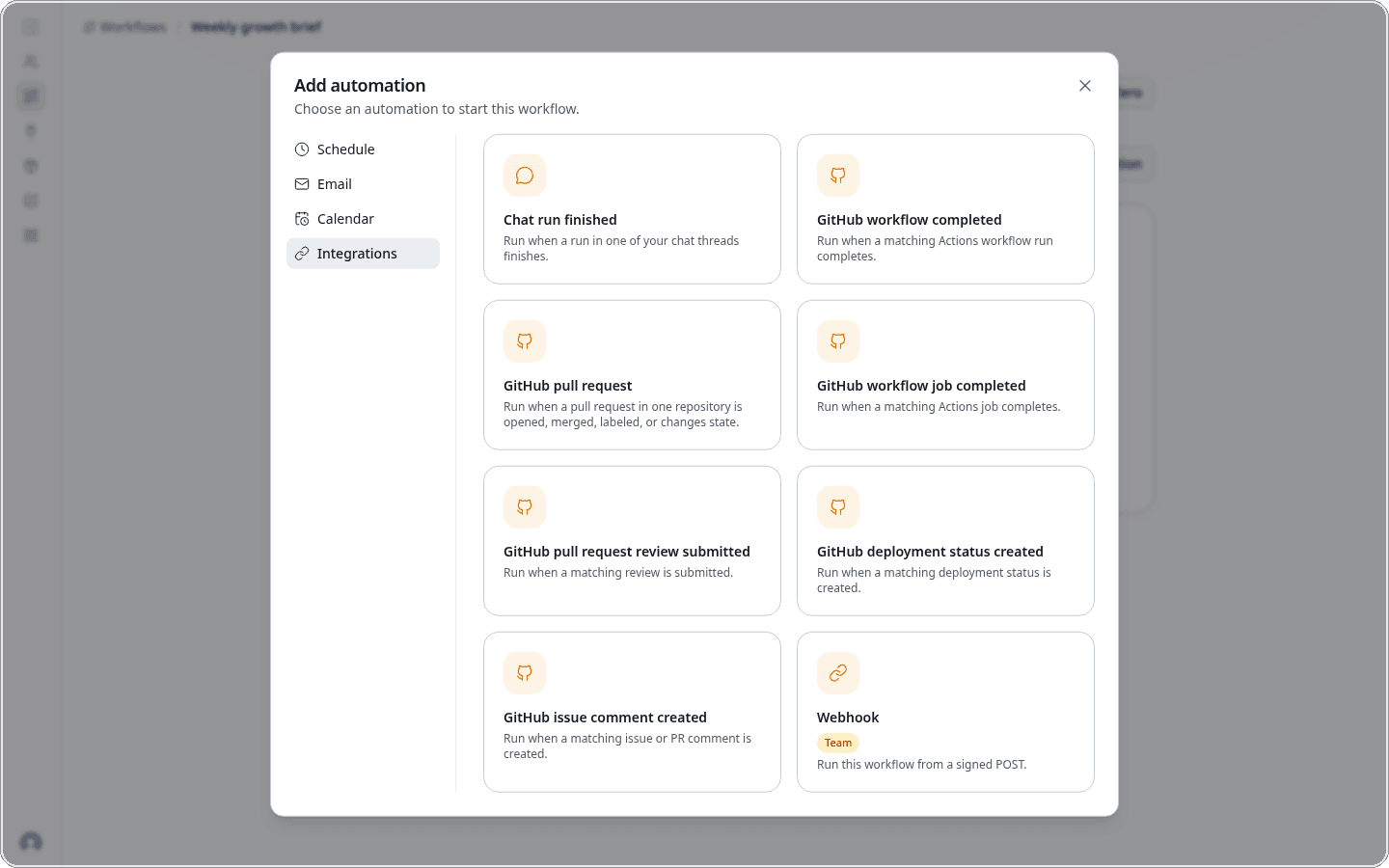
GitHub workflows can now start when a pull request changes state, a review is submitted, an Actions job finishes, a deployment status changes, or someone adds an issue or pull-request comment. These triggers are available from the standard Add automation picker.
Automation messages are also easier to understand at a glance. They describe what happened in plain language, and automations triggered by a finished chat run point back to the originating agent and thread.
That's everything we shipped this week. Try the new capabilities in Zero, and tell us what you want to see next.


